
Features / Duplicate finder
Find duplicates by exact content, not by name
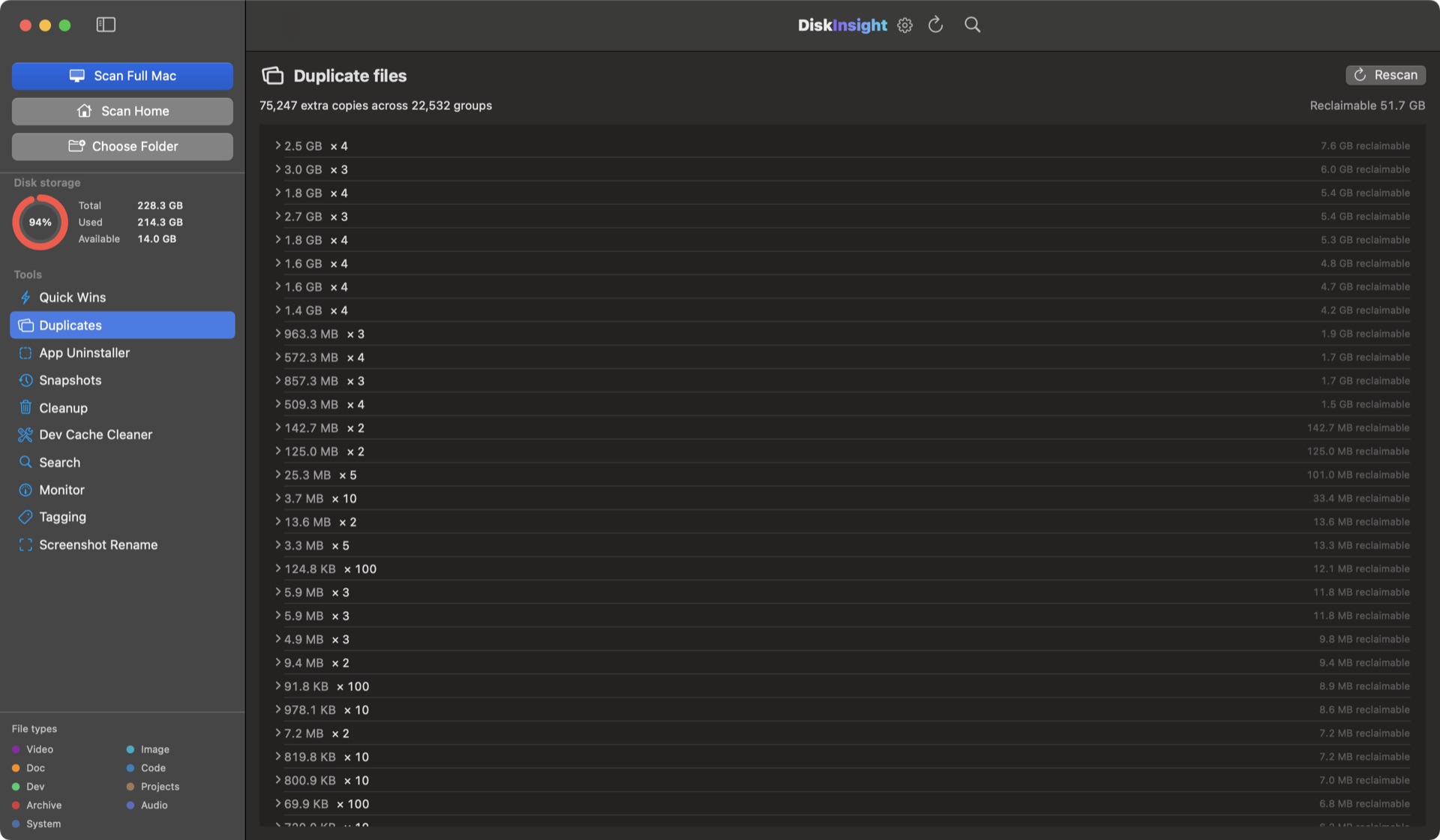
Duplicates happen slowly: files saved twice under different names, videos in Downloads and Documents, project copies nobody touches again. DiskInsight hashes every file's contents (SHA-256), groups the exact copies, and shows you exactly how many bytes each group would reclaim — before anything moves.
Finder misses the duplicates that cost you gigabytes
Two copies with different names — report.pdf and report_final.pdf — don't look the same to macOS. Content hashes don't care what a file is called.
Content-addressed
Every file is reduced to a SHA-256 hash of its contents. Identical bytes group together — different names, different folders, no problem.
Reclaimable bytes per group
Each group reports the space you'd free by keeping one copy, so you spend your time on the groups that matter.
Preview before you decide
Open any file in a group, mark the copy to keep, and ignore the rest. You're always in control of what's staged.
Staged to Trash
Removals go to the macOS Trash — never permanent, never background. Recoverable until you empty it.
Everything on this page, minus deletions, is free
See the full duplicate report on your own disk without paying. Unlock once to clear it.
Duplicate files on a Mac, answered
Is the duplicate finder free?
Scanning and the disk map are free forever — you can see every candidate group without a license. Deleting duplicates is part of DiskInsight Pro, a one-time unlock. Nothing you preview ever changes.
How is this different from Finder or Photos?
Finder has no duplicate search at all — you’d be matching names by eye, and Photos only checks its own library. DiskInsight hashes file contents (SHA-256), so the same file saved as report.pdf and report_final.pdf in different folders still gets grouped.
Is it safe to delete duplicate files?
Yes — keep one copy of each group. DiskInsight shows reclaimable bytes per group, lets you preview every file in a group, and stages removals to the macOS Trash. Nothing is permanent until you empty it.
Can it find duplicate photos on a Mac?
Yes. Content hashing groups identical media even under different names in different folders, and you preview before deciding.
How much could I reclaim?
On a full developer Mac, DiskInsight found 75,129 extra copies across 22,502 groups. The exact number for your machine is free to see.
75,129 copies on one Mac. Find yours.
Preview free · unlock cleanup once · staged to Trash · 100% local